
Documentation:Social Web Tools/Elearning
What is it?
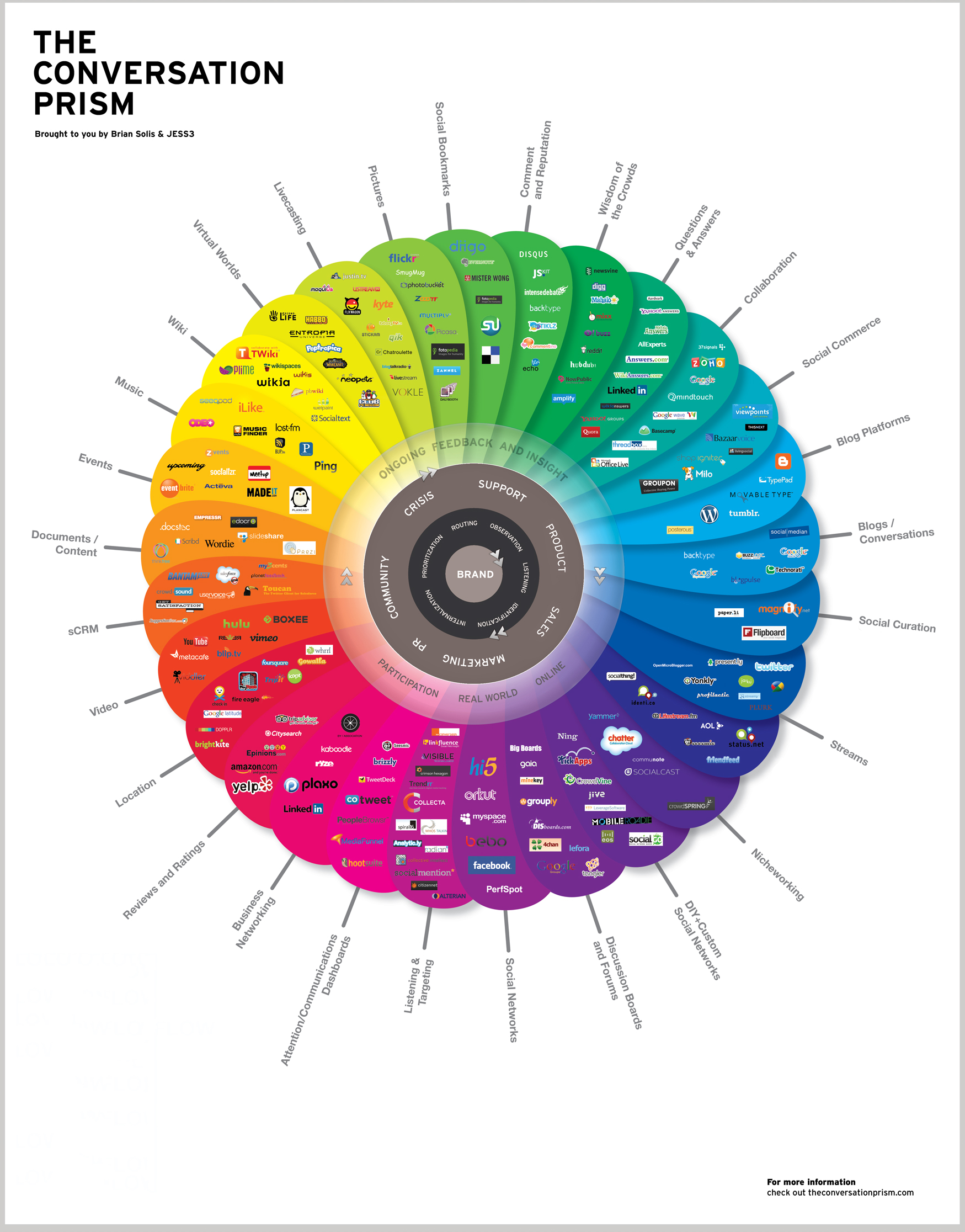
Social Web tools or technologies are those that make it possible, even easy, to collaborate, share, participate, communicate, and form and re-form relationships along the path of learning.
There is a match between what are seen as 21st-century learning skills, 21st-century employability skills and those engendered by engagement with Web 2.0 – communication, participation, networking, sharing. [1]
For an interesting review of educational uses of social software , see the JISC Study: The Effective Use of Social Software in Education: Final Report [2] and Case Studies [3]
Additional Resources:
Cooltoolsforschools: a compendium of web resources suitable for use in educational environments.
Uses and Benefits
Social media tools allow you to support your student's learning in ways that have not been possible before. Students can more easily connect and collaborate with each other, or have easy access to timely and relevant news items, blog posts or other web resources relevant to the content they are studying. Below are some ways in which you could use social web tools in a classroom:
Group authoring on a topic
- Blogs
- Wikis
- Collaborative Writing Tools
Easy and quick way to make course resources available
- Blogs
- Wikis
- Feed Reading
- Social Bookmarking
- Media Sharing
Peer review/editing
- Wikis
- Blogs
Student generated resource development
- Microblogging
- Social Networks
- Instant Messaging
Presentations
- Online Presentation Tools
- Media Sharing
Examples
Group Authoring
- Wikis: Murder, Madness, and Mayhem Project Page on Wikipedia, North of the Rio Grande course blog - the work of UBC Professor Jon Beasley-Murray, (Wikipedia Page, Blog)
- Blogs: Learning Commons: academic support resource: multi-author blog, Parsia: An Insight into the Art and Architecture of Iran: student directed seminar
- Collaborative software: Google Docs, Writeboard
Publishing Course Content
- Blogs: ETEC 522 Course Blog
- Wikis: LEAP wikis for tutoring: Chemistry, Physics, Economics, Math
- Social Bookmarking: Social Media and Marketing class blog and Del.icio.us links
- Media Sharing: 2007 Engineering Physics 253
Get Started
- Visit our list of social web tools: Documentation:Social Web Tools/All Tools
- Decide from the list if there is anything that you could use to potentially enhance your classroom.
- Follow the "learn more" link on that page for the type of tool that you want to use in order to learn more.
- Contact CTLT to see if they support the technology that you would like to use.
Resources
UBC Services
- Blogs: blogs.ubc.ca
- Wikis: wik.ubc.ca
- Microblogging: blogs.ubc.ca using the [p2theme.com P2 theme].
- Media Sharing: Kaltura (coming soon)
Tips
Instructors
- Facilitate students helping each other to learn how to use the technology. Remember, although some of your students may be very comfortable with these tools, some will never have even heard of them.
- Explain that you are experimenting with new technology and are just as new to it as some of them.
- Seek help from your students who have used these systems before.
- Provide technical support and contact information
Students
- Start with small steps or something you can easily achieve, which can go a long way in understanding how a tool works.
- Experimentation is part of the learning process. Maybe it will work for you and maybe it won't. The only way to find out is to try.
- Tools cannot do everything you want it to do. You will need to find a compromise with how you work and what the tool can do for you.